· QC photo guide
How to Review Warehouse QC Photos Before Shipping
Warehouse photos are a useful pause between ordering and international shipping. Use them to confirm the item, chosen options and visible details before you submit a parcel.
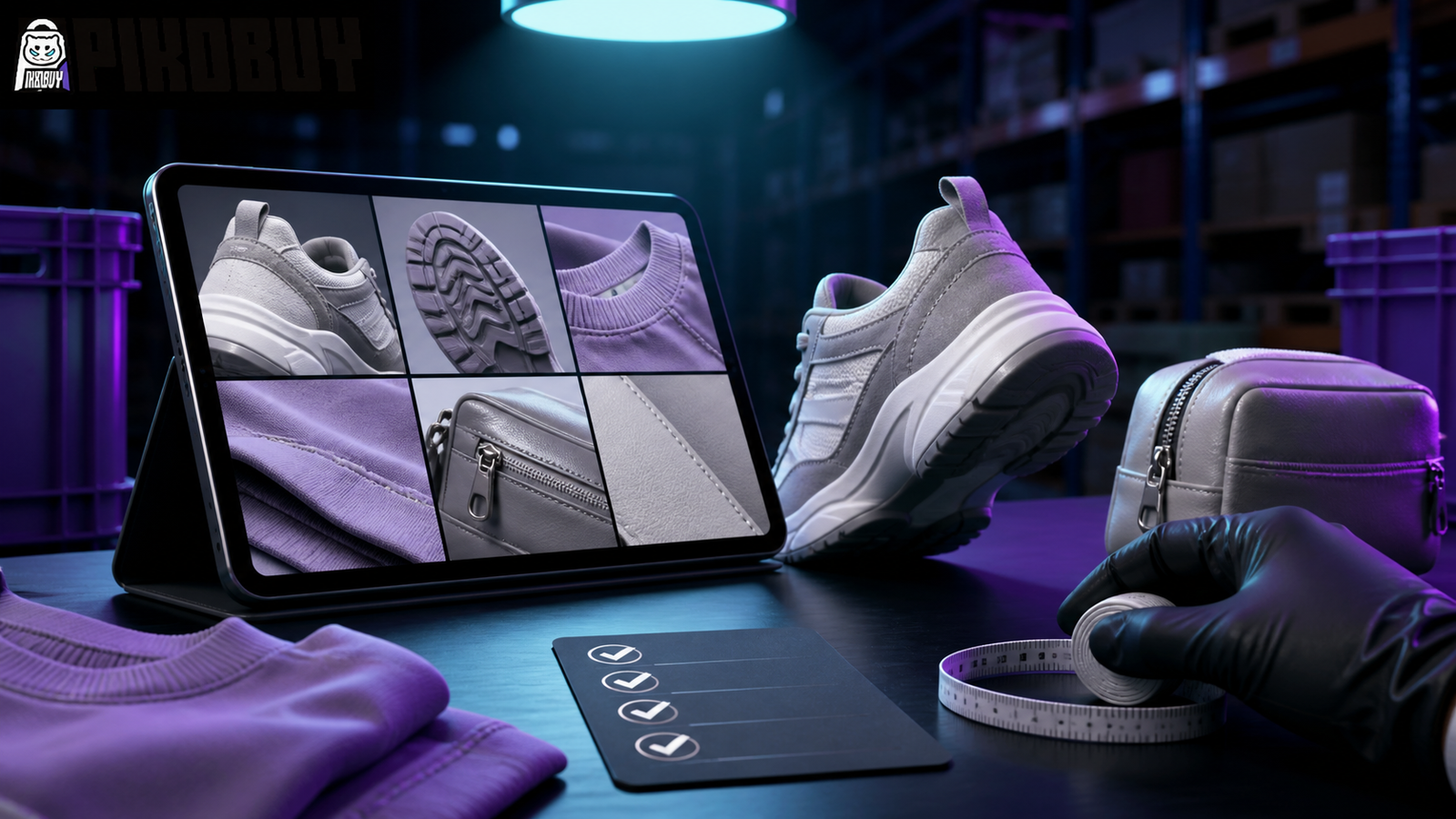
Start With the Basic Match
Before reviewing fine details, make sure the warehouse entry matches the product you intended to order. Compare the title, selected color or version, quantity and the item image against the spreadsheet card or product page you saved.
Do not rely on one thumbnail alone. A listing can contain several versions, and a warehouse photo is most useful when you compare it with the exact option selected at the time of ordering.
A Practical Warehouse Photo Checklist
- Confirm the product name, variation and quantity shown in the warehouse entry.
- Compare the overall color, shape and major design details with the selected product photos.
- Look for visible defects, missing pieces, marks or damage that would matter to you.
- Check scale or measurements where the image provides enough context.
- Keep category-specific checks close to the product: outsole and heel for shoes, fabric and print placement for apparel, hardware and lining for bags.
Use Category-Specific Checks
Different products need different photo checks. Shoes benefit from side, heel and outsole views. Hoodies and T-shirts need fabric, collar, print placement and measurement context. Bags need closure, strap, interior and hardware photos. Electronics need model, plug and compatibility details.
The Pikobuy spreadsheet category pages can help make this faster because they keep the expected checks next to the type of product you are researching.
What Photos Can and Cannot Tell You
Warehouse images can show visible condition and selected options, but they do not guarantee every material property, fit result or delivery outcome. Lighting, distance and image compression can change how color and texture appear.
If an important detail is unclear, use the product page, seller photos and any available size information together. Treat a warehouse image as one part of the decision, not a substitute for all product research.
Decide Before Parcel Submission
Once you are comfortable with the visible item details, the next decision is parcel planning. Check the current warehouse information first, then compare shipping routes using the destination, item type, measured weight and parcel dimensions.
For a product that does not match your chosen option or has a concern you need clarified, resolve that before paying for international shipping. It is easier to make a product decision while the item is still at the warehouse stage.
Quick FAQ
Are warehouse QC photos a guarantee that the product is perfect?
No. They are a visual reference for checking the item that arrived at the warehouse. Use them with the current listing details and your own category-specific priorities.
What should I check first in a warehouse photo?
Start with the product variation, quantity and the overall shape or color. Then move to the details that matter for that category.
When should I compare shipping routes?
Compare routes after the warehouse information is available and before you submit the parcel. Measured parcel details give a more useful estimate than a product-page guess.