· Sources checked September 18, 2026
Pikobuy Beginner Order Process Guide: 6 Shopping Steps
This note breaks down the six-step beginner order flow shown in Pikobuy's New Guide, from choosing a product to waiting for parcel delivery.
Current Official Guide Check
Pikobuy's current public beginner guide uses the same six-step order flow shown below. It covers product selection, link or keyword search, the first payment, warehouse inspection, international shipping payment and parcel tracking.
Use the current official guide for live account, route and tracking details. This independent page explains the practical checks that matter when you begin from a spreadsheet product link.
Six New Guide Steps
The flow is useful for spreadsheet searchers because it shows what happens after a product link is chosen: product selection, search, payment, warehouse inspection, shipping payment, and delivery tracking.
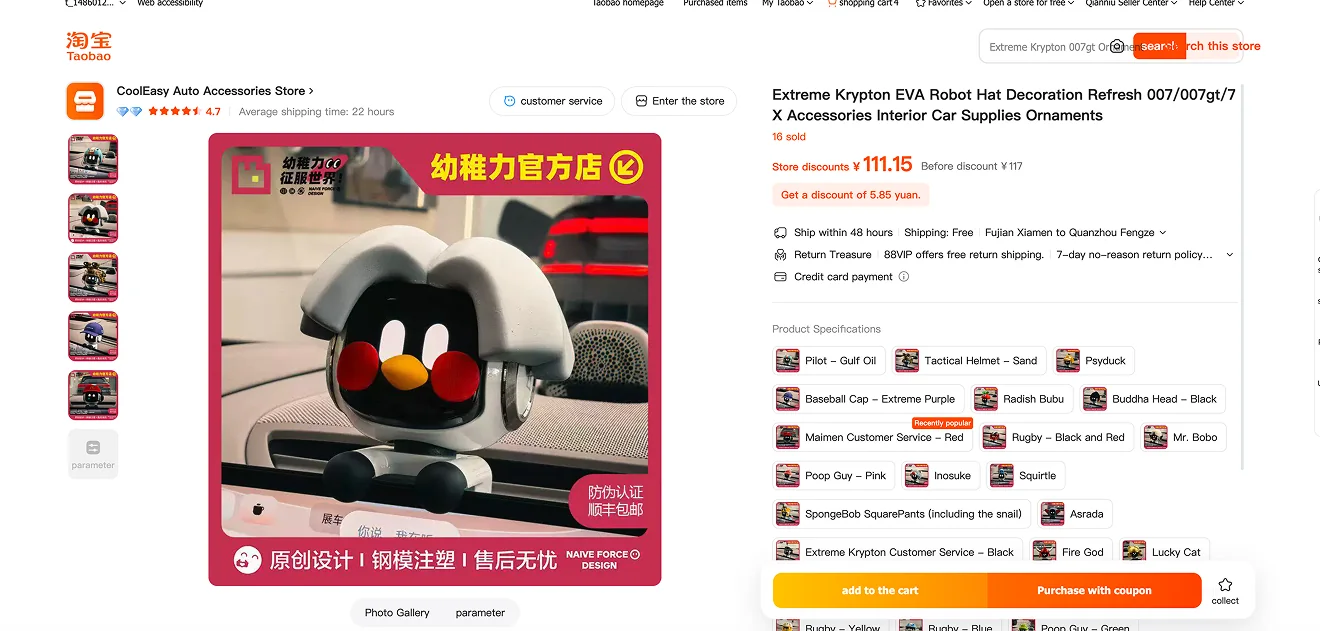
Find the product you want on Taobao, Tmall, 1688, Weidian or Yupoo, and confirm the style, color and size.
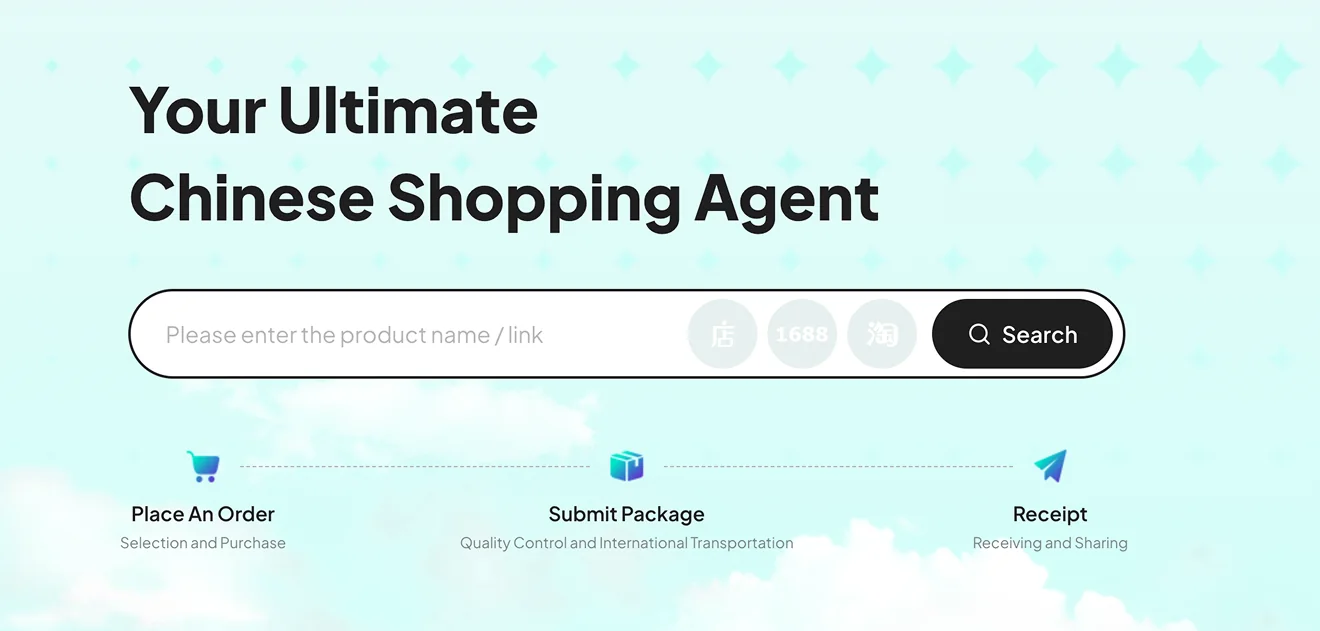
Paste the product link or keywords into the Pikobuy search box so the item can be found and prepared for purchasing service.
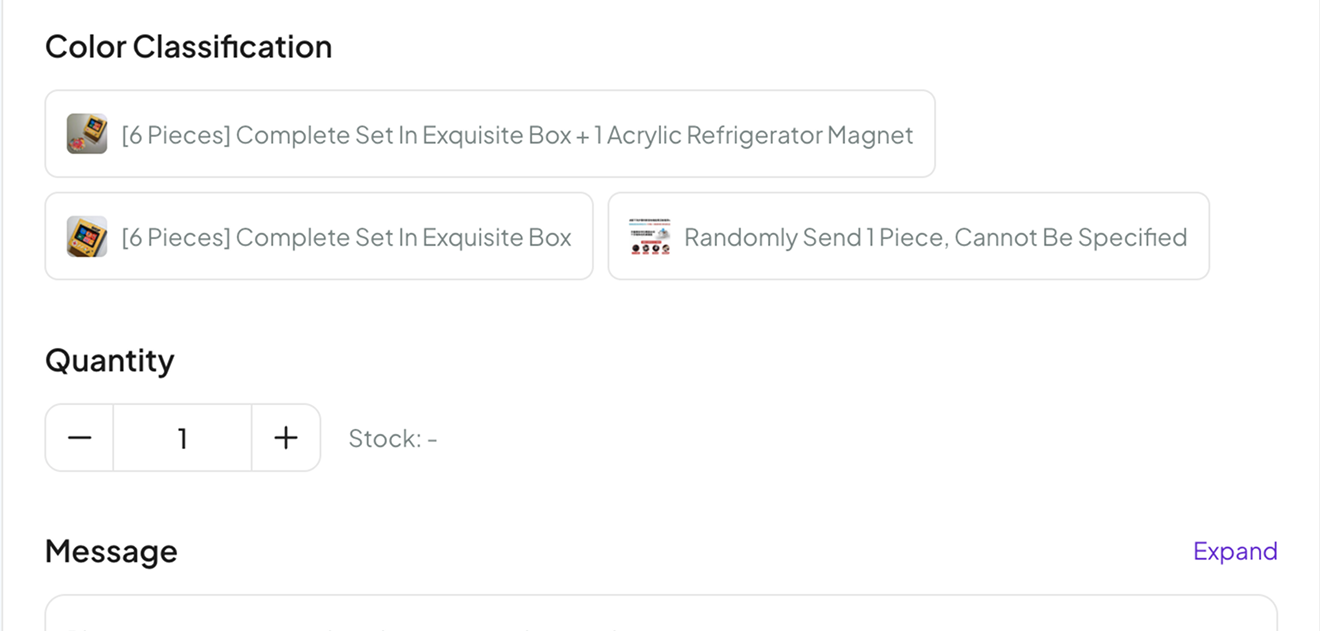
Choose the product options, including color, size and quantity, then submit the order and complete the first payment.
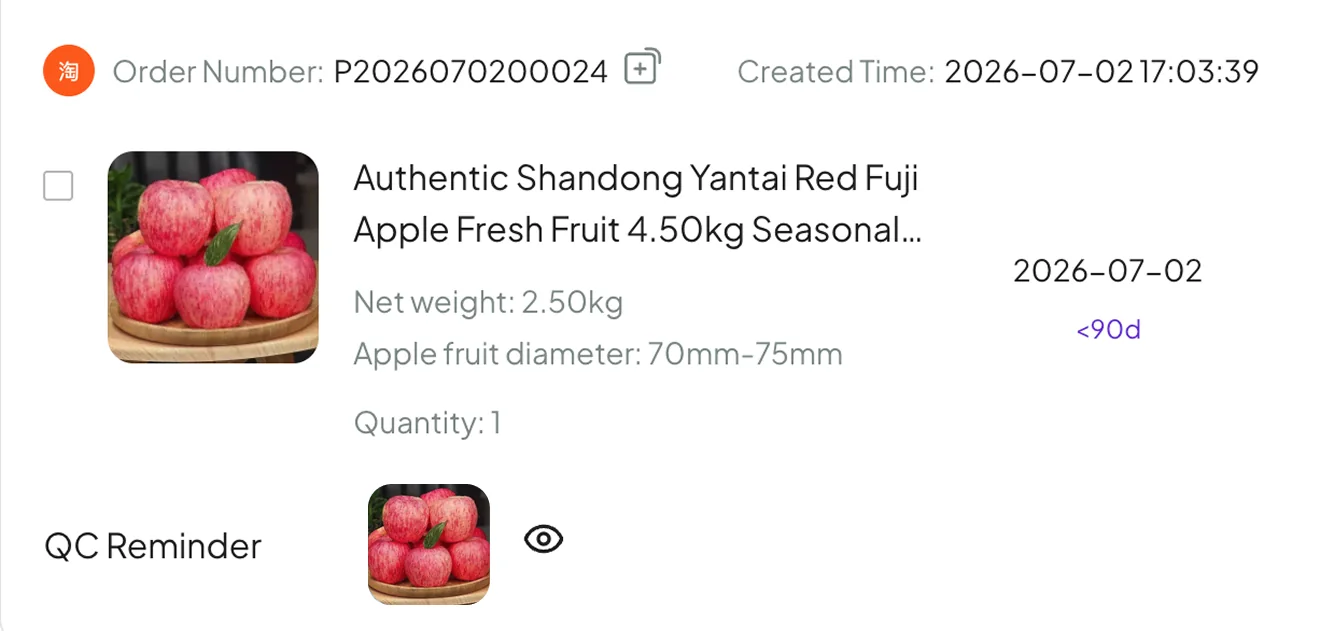
After the product arrives at the warehouse, the inspection stage checks it in, provides photo confirmation and looks for visible defects. The official guide also notes that shoppers can request options such as minimal or reinforced packaging.
Choose a suitable logistics route, submit the parcel and pay international shipping before dispatch is arranged. Compare delivery time and billing method as well as the displayed cost.
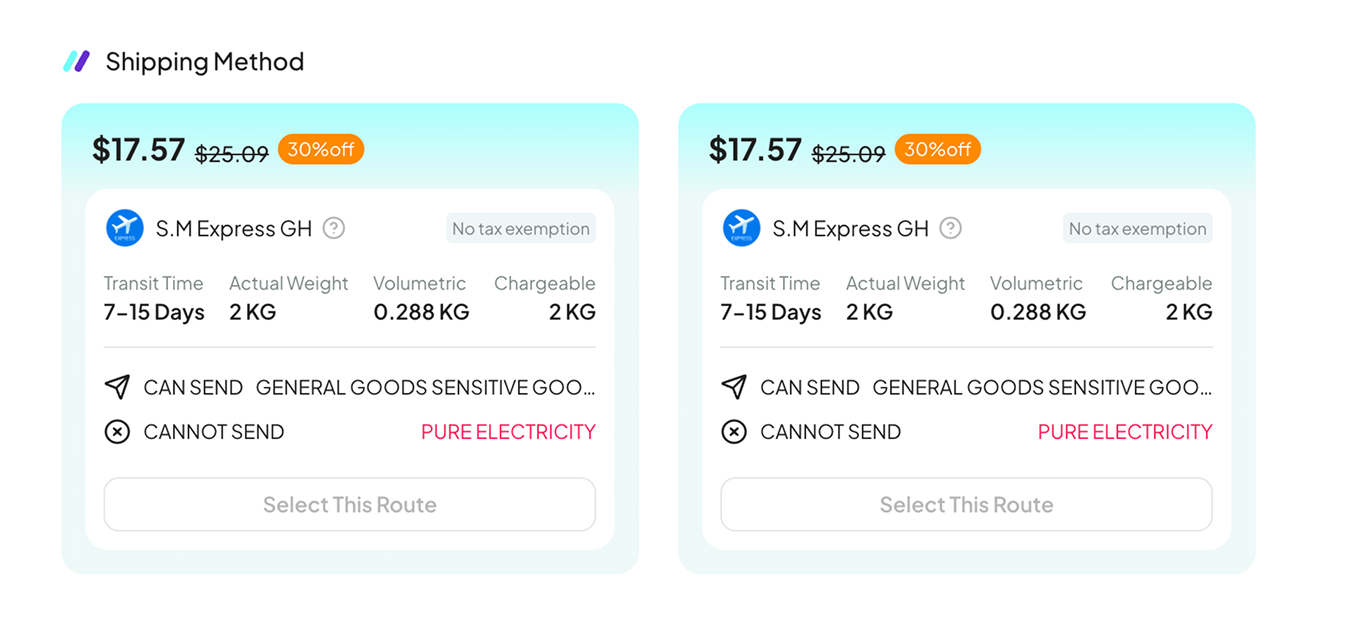
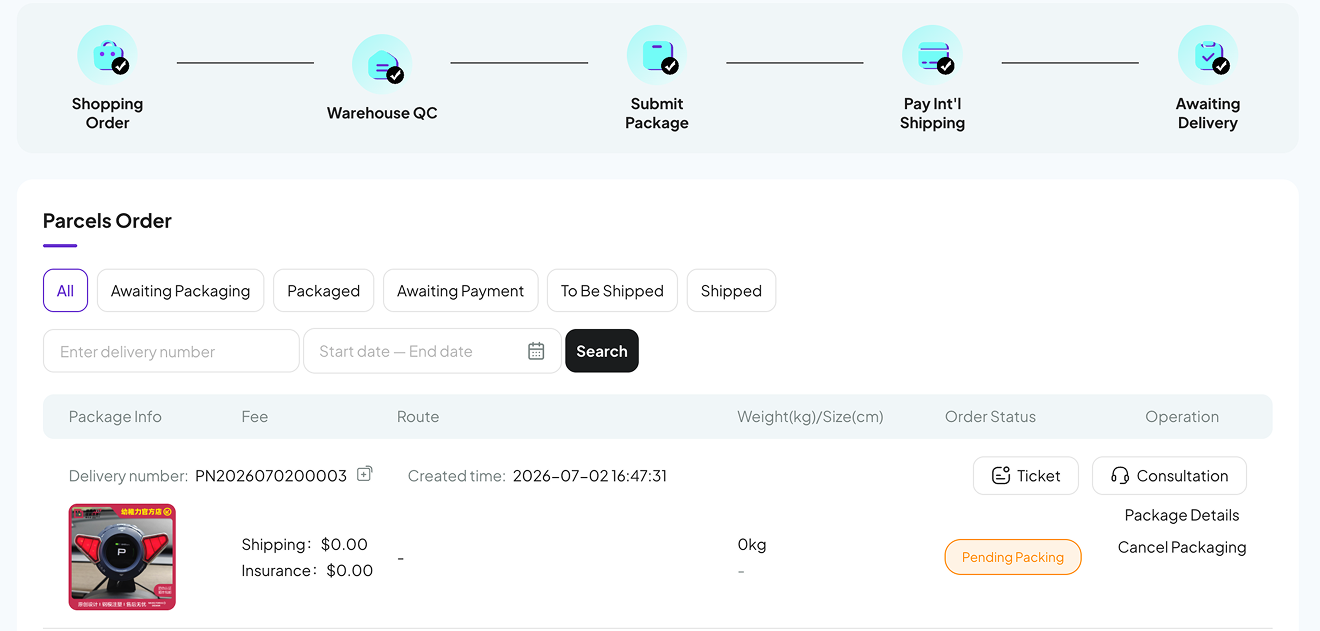
After dispatch, check the parcel page for current tracking updates and delivery progress. Pikobuy's public guide says tracking information is expected within three days after shipment; check the live parcel page for the current status.
What the New Guide Is Emphasizing
The guide is built around a familiar agent-style path. It starts with product discovery, then moves into placing an order, submitting or managing the package, quality control, international transportation, and finally receipt. That matters because it tells new users what kind of work the platform is trying to handle: not only finding a product, but also managing the steps after the link is chosen.
For people coming from spreadsheets, that is useful context. A spreadsheet row is only the first step. The bigger question is whether a product has enough information to be worth sending through an agent workflow. Price, seller photos, product notes, category restrictions, and later warehouse photos all affect whether a find is actually worth keeping.
Why Searchers Should Care
A lot of Pikobuy searches are not from people who already know exactly what to buy. They are browsing categories, comparing items, and trying to understand whether the platform fits the way they shop. The New Guide language gives those users a simple map: discover the item, let the platform help with the order, wait for inspection, then choose delivery.
A useful Pikobuy spreadsheet should help users decide what to inspect next. A good card answers basic questions quickly: what category is this, what is the price, what photo details matter, and is there enough information to open the product page?
What This Means for Shoppers
The best use of this update is structural. Product cards should keep their notes practical and tied to the shopping flow. Shoes need side profile and outsole checks. Hoodies need fabric, print placement, and sizing notes. Bags need hardware, lining, strap, and scale checks. The more clearly a product card points to the next inspection step, the more useful it becomes.
There is also a limit to what should be claimed. A guide can describe a process, but this site should not turn that into a promise about every item. If a product has not been checked recently, the page should say so. If a category often needs careful shipping review, that should be clear before a user opens the source link.
Quick Takeaways
- Use the beginner order flow as a guide for organizing product cards, not as proof that every find is ready to order.
- Add clear QC and seller-photo reminders where the category needs them.
- Confirm current product details and availability before opening or saving a find.
- Write product notes for real browsing decisions, not just keyword coverage.
Sources Checked
Checked September 18, 2026. This update uses the following official Pikobuy public pages:
- Pikobuy Beginner's Guide — confirms the six-step order flow, warehouse inspection, packaging-request examples, route selection and tracking guidance.
- Pikobuy shipping estimate — lets shoppers compare parcel-specific estimates before shipment.
Official workflows and route availability can change. Confirm the current account and parcel details before paying or shipping.