· Community activity
Share Your Pikobuy Parcel in Discord to Receive a Coupon
A current Discord activity invites Pikobuy shoppers to share a parcel or haul in the community, then check the channel for the coupon process and any current participation details.
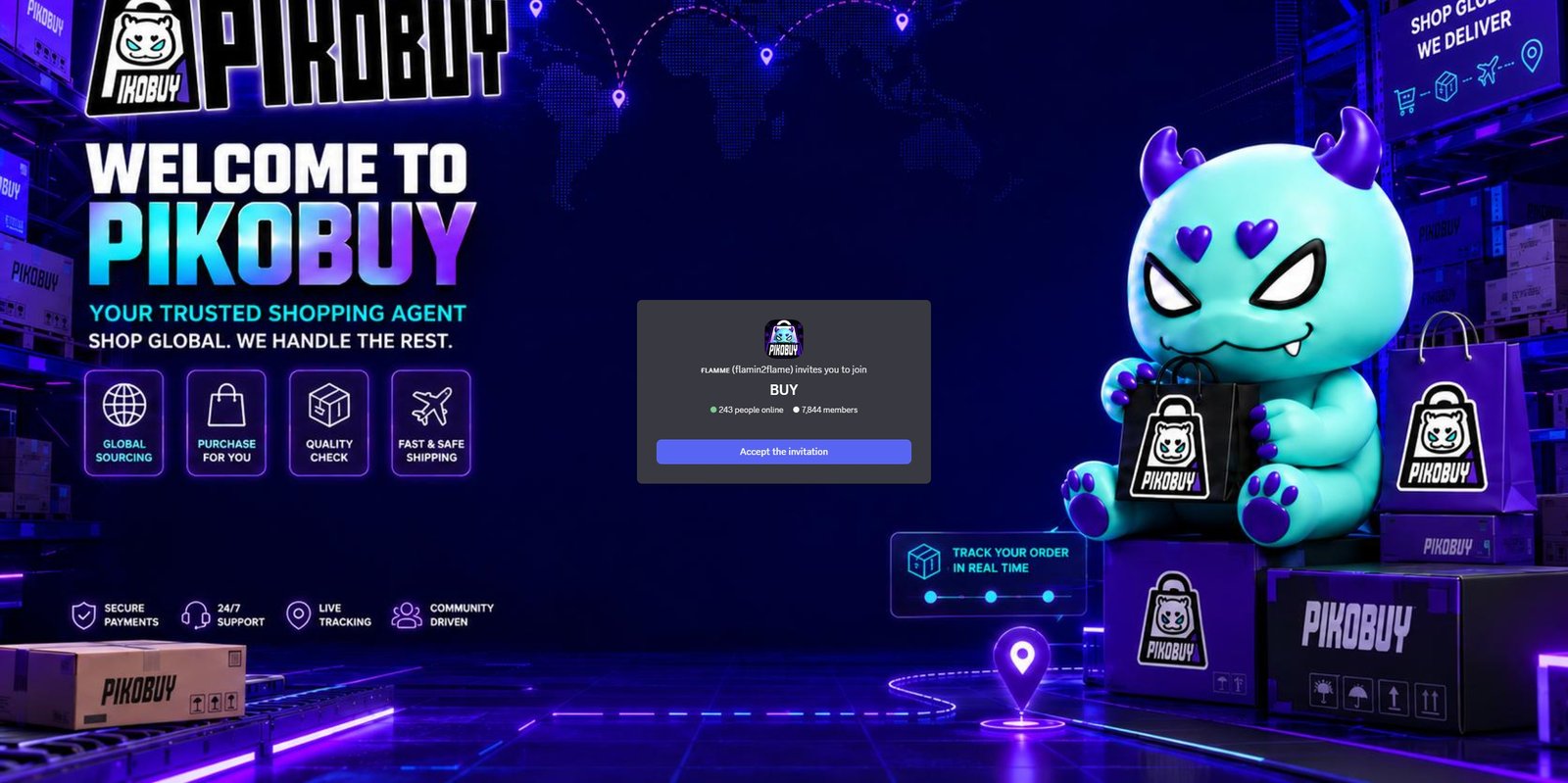
How the Activity Works
The activity is centered on sharing a parcel or haul in the Pikobuy Discord community. The current Discord channel is where participants can review the latest posting instructions and coupon process.
This is a community activity rather than a guarantee about any fixed reward. Do not assume a coupon amount, duration or eligibility rule without checking the current channel message first.
What to Prepare Before Posting
- A clear parcel or haul image that does not expose your personal delivery details.
- Basic context about the items, such as the categories you included or the type of finds you researched.
- Your current Discord account and any participation steps listed in the activity channel.
- Enough time to read the current coupon rules before assuming you are eligible.
Keep Personal Details Private
Before sharing parcel screenshots, cover order numbers, shipping labels, addresses, phone numbers and any payment information. A haul post can be useful to the community without showing details that identify you or your delivery.
Use product photos and category notes to make a post more helpful. For example, you can mention whether you checked warehouse images, compared sizing information or used a spreadsheet category page before ordering.
Check the Current Terms First
Community activities can change or end. Visit the Discord invite, find the relevant activity channel and confirm the latest requirements before you post. Check what needs to be shared, where it should be posted and how any coupon is claimed.
This independent news note does not issue the coupon or manage the activity. It is here to point shoppers toward the current community information.